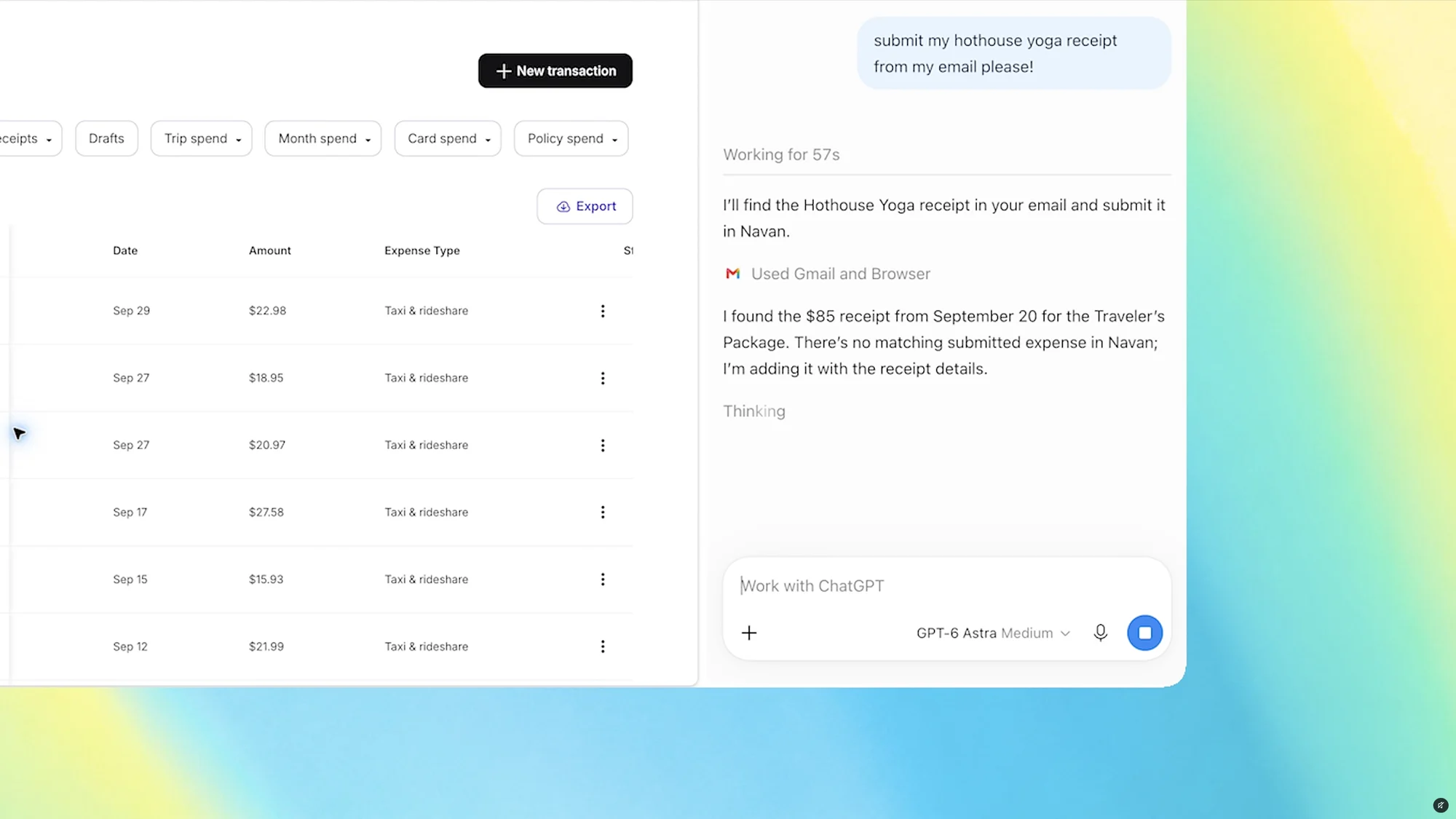
Az OpenAI frissítést adott ki a ChatGPT Google Chrome-bővítményéhez, amely lehetővé teszi, hogy a rendszer közvetlenül hozzáférjen a böngészőben megnyitott fülek tartalmához. A funkció a webes vagy az asztali alkalmazásban a Chrome megcímkézésével használható, így a modell egyszerre több megnyitott oldal adatait is össze tudja hasonlítani.
A frissítéssel az oldalsávban futó ChatGPT is megkapta a teljes beszélgetési előzményt. A ChatGPT Work csomagot használók számára a bővítmény már automatizálási feladatokat is el tud végezni a füleken: képes üzeneteket küldeni, űrlapokat kitölteni, fájlokat letölteni, valamint a nyitott füleket rendszerezni és csoportosítani.
Az eredeti szöveg (The Verge AI)
With the ChatGPT extension installed, it can pull information from your open tabs or bring the AI bot into the sidebar.
With the ChatGPT extension installed, it can pull information from your open tabs or bring the AI bot into the sidebar.
OpenAI’s ChatGPT Atlas browser is gone, but now ChatGPT’s Google Chrome extension is getting some upgrades that allow it to use the browser tabs you already have open. With the extension installed, OpenAI says ChatGPT can now view your browser tabs when you tag Chrome in ChatGPT’s web or desktop app, posting a demo video showing someone asking ChatGPT to compare the three tabs they have open with sofas they’re considering.
Here are some of the sample queries OpenAI listed for using the upgraded add-on:
It’s also updated ChatGPT in the sidebar, with “the full power of ChatGPT” and your entire conversation history in Chat or Work to use without leaving the page you’re viewing. It also enables ChatGPT Work to “control” your Chrome tabs for tasks like “sending messages, filling out forms, or downloading files,” similar to Google’s Gemini-powered “auto browse” feature, as well as organize or group open tabs.
A free daily digest of the news that matters most.