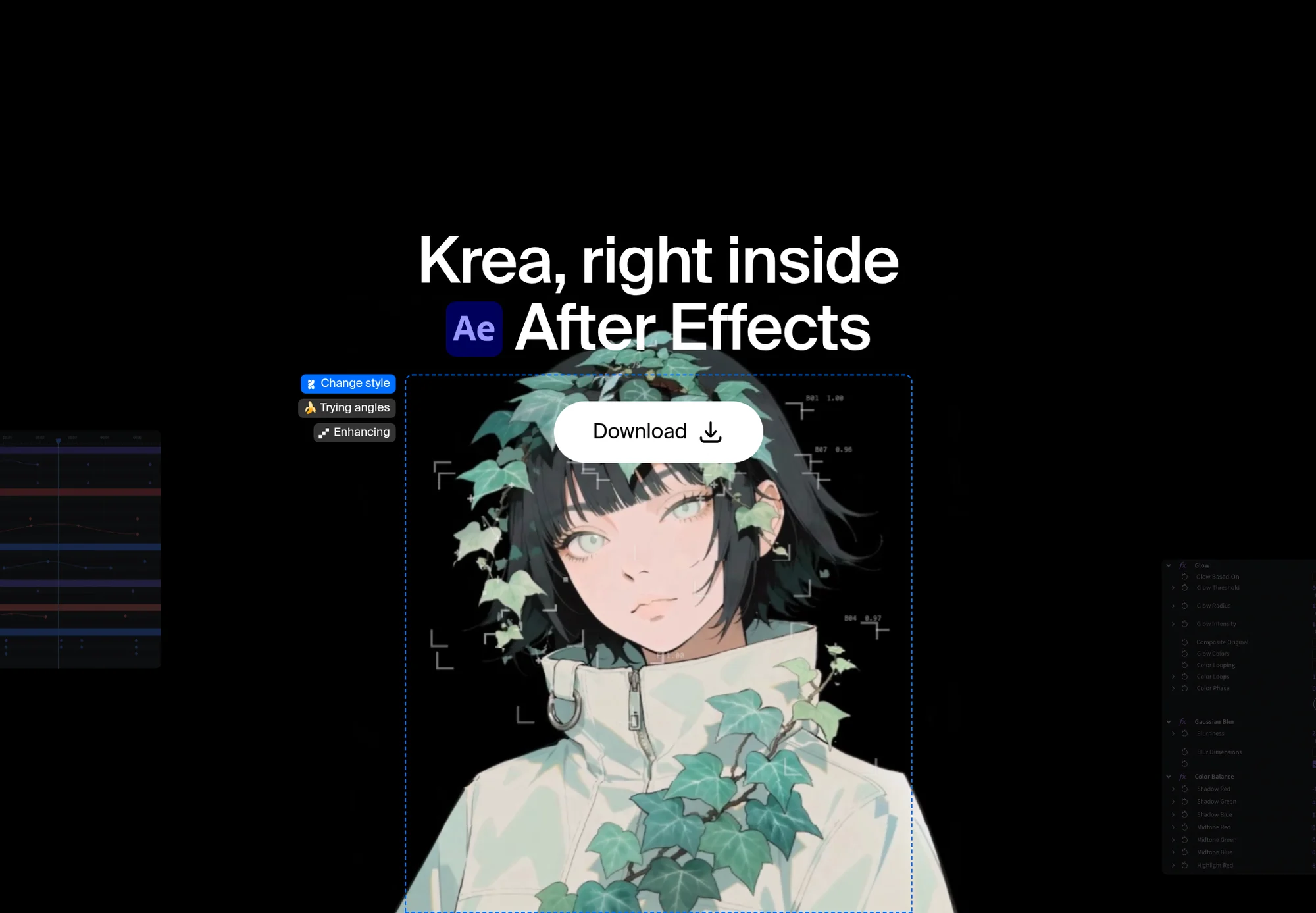
A Krea bejelentette a Krea for After Effects nevű bővítményt, amellyel a videós szakemberek közvetlenül a vágó- és animációs szoftver felületén generálhatnak háttérelemeket, textúrákat és mozgóképes koncepciókat. A bővítmény külön panelt kapott, az így létrehozott elemek pedig közvetlenül a projekt médiatárába kerülnek, ahonnan azonnal kompozitálhatók és animálhatók.
A rendszer tartalmazza a Krea Realtime funkciót is, amely élőben frissíti a képet a prompt, a színek vagy a kompozíció módosításakor, így a végleges importálás előtt gyorsan tesztelhetők a vizuális irányok. A generálás a Krea szerverein történik, a beépülő modul használatához internetkapcsolat és Krea-fiók szükséges.
Az eszköz macOS 12 és Windows 10 vagy újabb operációs rendszereken fut, és After Effects 2025 vagy frissebb verziót igényel. A Krea ingyenes csomagja napi 100 számítási egységet biztosít bankkártya megadása nélkül.
Az eredeti szöveg (Krea)
By the Krea Team. Published October 20, 2026.
Krea for After Effects brings Krea’s image generation into a panel built for motion designers. Generate source imagery, backgrounds, plates, and motion-design directions, then drop the result into your open composition as a project asset. Animating, compositing, and timing stay in After Effects.
Generate plates and motion concepts in the composition you already have open.
It lets you generate visual assets without leaving the comp. The panel covers four jobs:
Everything you generate enters the project as a standard media asset, ready for compositing and animation.
See all of Krea’s plugins on Krea plugins.
Krea for After Effects runs on macOS 12 or later and Windows 10 or later, with After Effects 2025 or newer. Generation runs on Krea’s servers, so you need a Krea account and an internet connection.
Start from a prompt or a reference frame, pick a direction, and bring it in as an asset you animate.
Generate environments, textures, and background plates sized for your comp. Use one as the plate under typed animation, a hold for a transition, or a texture you displace.
The plate is standard media, so it behaves like any other footage or still in your project panel. Precomp it, fit it to the comp, and build your design on top.
Krea Realtime updates the image live as you adjust the prompt, color, and composition. You see the direction move before you commit a still to the timeline.
It’s the same live preview as Krea Realtime on the web, right next to your comp.
A good loop: lock the comp size and subject first, nudge color and composition until the plate matches your title treatment, and only then import the frame you’ll animate.
Generate related frames, angles, and treatments that feel like part of the same sequence. Use it when a spot needs a start, mid, and end frame that share a world: the same room, the same palette, a new angle.
For heavier image editing, try Krea 3 on the web. It takes up to 8 reference images per edit and is 10× faster and 3× cheaper than GPT Image 2 and Nano Banana Pro, with fast, high, and ultra modes. See how it ranks in Krea 3 benchmarks.
Cutting on a timeline next? Use Krea for Premiere Pro. To generate video on the web, open Krea video.
Krea is built for motion-design exploration: compositions, styles, color directions, backgrounds, and key visual frames. That covers the frames you’d otherwise dig up as stock or paint as a temp:
You design the motion in After Effects. Krea supplies the picture.
Yes. Krea for After Effects generates source imagery, backgrounds, plates, and motion-design directions in a panel. Results enter your project as standard media assets you can composite and animate.
Download the signed installer from the After Effects plugin page, run it, restart After Effects, and choose Window → Extensions → Krea. Then sign in with your Krea account.
After Effects 2025 or newer, on macOS 12 or later and Windows 10 or later.
Yes. They enter the project as standard media assets, so you can composite, mask, and animate them like any other footage.
Yes. Generation runs on Krea's servers, so you need to be online and signed in to your Krea account.
Yes. Krea Realtime powers the live preview in the panel, updating the image as you change the prompt, color, and composition.
Yes. Krea's free plan includes 100 compute units a day, with no credit card required. Compare plans on Krea pricing.
For After Effects 2025 or newer. Install it, then open Window → Extensions → Krea.