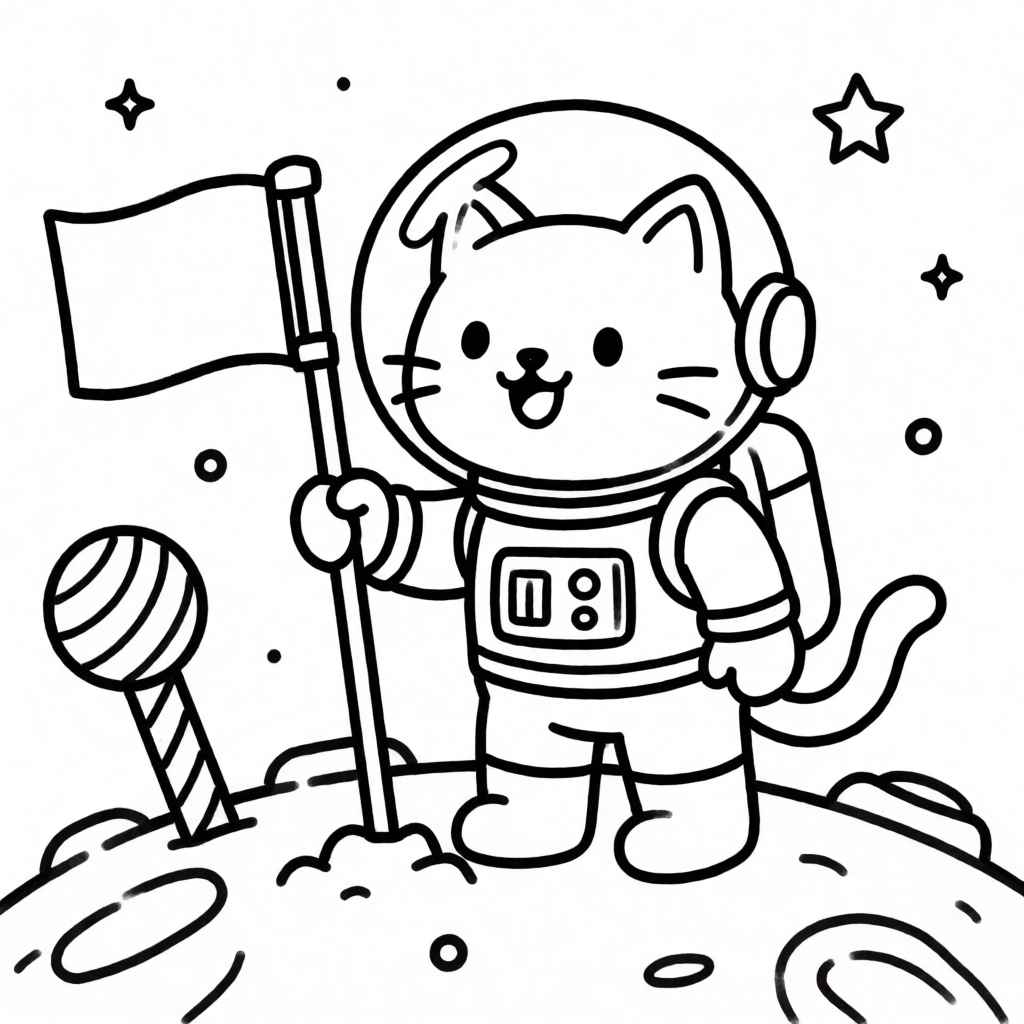
A Krea csapata összegyűjtötte a legjobb online kifestőgenerátorokat, kiemelve a saját Krea 2 eszközt, amellyel bármilyen egyedi ötletből nyomtatható sablon készíthető. Míg a hagyományos adatbázisok csak kész rajzokat kínálnak, az AI segítségével teljesen egyedi jeleneteket vagy akár saját fotókat és gyermekrajzokat is tiszta vonalas rajzzá alakíthatunk.
A tiszta, árnyékolás nélküli végeredményhez a fejlesztők egy speciális prompt-receptet javasolnak, amely explicit módon kizárja a szürke kitöltéseket és a satírozást. Ha meglévő képből vagy rajzból indulunk ki, a kép-kép (image-to-image) erősséget érdemes magasra, 0,85 és 0,95 közé állítani, hogy a rendszer teljesen eltávolítsa az eredeti színeket és textúrákat.
A Krea ingyenes csomagja napi 100 számítási egységet biztosít bankkártya megadása nélkül. A generált képek raszteres formátumúak, így utólag vektorosan nem szerkeszthetők, de a platform beépített szerkesztőeszközeivel a kósza vonalak könnyen javíthatók.
Az eredeti szöveg (Krea)
“Free coloring pages” usually means one of two searches: find a page that already exists, or make one that does not. A library site like Crayola solves the first — thousands of pages, ready to print. It cannot solve the second: if the page you want is a specific character, a themed scene nobody has drawn yet, or your own child’s drawing turned into clean outlines, no library has it. This guide compares both paths — a coloring library, a design tool, a dedicated photo-to-coloring-page converter, and Krea’s custom generation — with what each costs, produces, and where it stops.
Open Krea 2 and turn any idea, or any photo, into a printable coloring page on today's free compute.
We picked one representative of each real path: a pure library site, a design tool with coloring templates, a dedicated photo-to-coloring-page converter, and Krea’s own generation. Free-tier numbers come from each vendor’s current pricing page, checked this week: Canva, ColorifyAI and its tool page, and Krea. For Krea, we ran real prompts through Krea 2 (krea/krea-2/medium-turbo) and kept every raw output below, including two attempts that were not clean on the first try. Nothing here is retouched.
Crayola’s free coloring pages cover characters, seasons, holidays, animals, and an adult-coloring section, with no signup and no download cap. It also ships a “Custom Page Creator,” but that tool assembles from Crayola’s own template pieces — it does not generate a new scene from an idea.
Search tip: use Crayola’s category pages (Characters, Plants and Animals, Adult Coloring) instead of the site search — the categories surface more of the library than a keyword search does.
Variation tips: the adult-coloring section has denser line work if a plain kids’ page is too simple for the person coloring it.
Where it stops: Crayola only has what Crayola has published. A specific character combination, a themed scene for one birthday party, or “my kid’s own drawing as an outline” are not in the library and never will be — that is what a generator is for.
Canva has a library of free, customizable coloring page templates — add a name, swap an element, drop in a photo — plus its own AI coloring page generator that turns a photo or prompt into line art. Both draw from the free plan’s shared Magic Studio credit pool: about 50 credits a month, covering Magic Media, background removal, and Magic Write together, not 50 coloring pages specifically.
Navigation tip: search “coloring page” in Canva’s own template search, not the general photo library, to land on customizable templates instead of stock photos.
Variation tips: duplicate a template before editing it, so the original survives a customization gone wrong.
Where it stops: the templates are pre-made designs you customize, not scenes generated from scratch, and the AI credits are shared with every other AI feature in the account.
ColorifyAI is a dedicated tool: upload a photo, get a line-art coloring page back, no signup required. Its tool page states 5 free conversions a day. Beyond that, ColorifyAI’s pricing lists Basic at $9.90/month (250 credits, no commercial use), Plus at $29.90/month (900 credits, commercial use included), and Pro at $69.90/month (2,500 credits).
Recipe: upload a clear, high-contrast photo (a posed portrait or a clean product photo converts better than a busy scene); choose the line-art style if the tool offers a choice.
Variation tips: crop the photo to the subject before uploading — a converter reads the whole frame, so background clutter turns into unwanted extra outlines.
Where it stops: it converts one photo you already have. It does not generate a scene from an idea (“a dragon riding a bicycle”), and commercial use needs at least the $29.90/month Plus tier.
Krea’s honest advantage is not that it is free — Krea’s free plan gives 100 compute units a day, no card required — it is that it makes a page that does not exist anywhere else: a specific character in a specific pose, a themed